
Toolpath editing issue

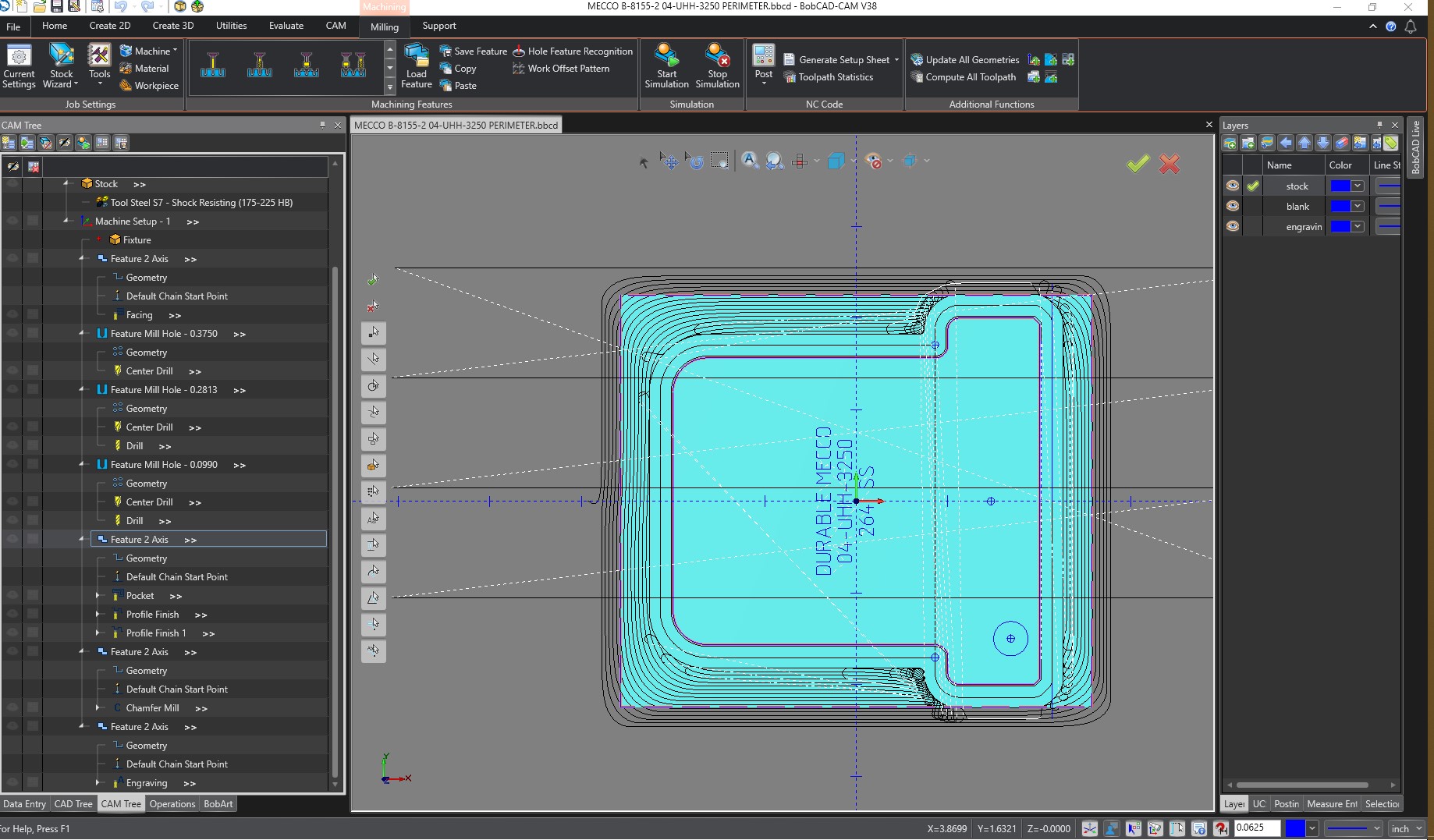
Does anyone know why you cannot edit a 3 axis mill toolpath when your Z steps are less than .010 a step? I’ve tried different toolpaths and it does the same thing on all that I tried ( Example - Z level finish). It will however let you pick and edit or delete a single path but it will not let you use a window select to select multiple paths at once. If your Z steps are set higher than .010 say .015 it seems that they can be edited correctly and selected with a window select to select multiple paths. Is there something I am doing wrong or is this purposely like this or another BUG.

I am using V36 but I am demoing V38 and I see it still has this editing issue along with many other issues that have yet to be fixed.
1 Like

Hi Jamier,

I am currently using V36 also. That issue has been the case for many versions. I believe it has something to do with toolpath overload when it comes to using the toolpath editor with 3d toolpaths. I notice I can window select when there are not too many toolpaths on the screen. In previous versions when the toolpath editor first came out, the system would crash when window selecting on high volume toolpaths. I guess BC answer was to not allow the editor to window select when the toolpath goes over a certain amount.

That is my take on it anyway. Maybe someone from BC can shed some light on it.

Thanks for the response. It figures when you really needed something that worked it doesn’t. Sure would be nice to have this fixed BOBCAD if you are listening…

1 Like